Independent desk: this is not YONO SBI banking. A game APK should never need banking login, UPI details or contacts access merely to prove a download.
Why does a Yono Rummy APK ask for contacts permission?
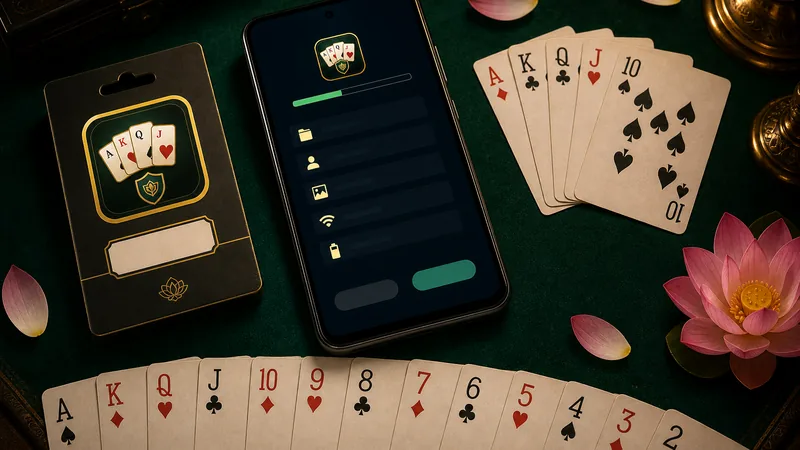
A permission prompt alone does not prove intent. Check which feature explains it, whether the app works when you deny it, and whether the installed package matches the file you chose to inspect.
Ask before allowing
- What visible feature needs contacts? Invite or share features may explain a request; a card table normally does not.
- Can you deny the request and still open the practice table? Test that first.
- Does Android identify the same app/package you expected from the source check?
- Is the prompt asking for unrelated access, such as accessibility, SMS, payment or banking credentials? Stop and review.
Use least privilege
Grant only the minimum permission required for a feature you intentionally use. You can review or revoke permissions in Android settings later. Screenshots of the prompt, app version and package details are safer support evidence than sharing contacts, OTPs or account credentials.
Do not confuse names
“Yono” can refer to unrelated products. This verification desk is independent and does not operate SBI/YONO banking. If a page blends an APK download with bank-login language, treat that as a reason to stop, not as proof of authenticity.