Independent verification desk
Check a Yono APK file before you install
A Yono-named APK is not trustworthy because of its filename alone. Read the package name and signer from the actual file, scan it with Play Protect, compare the source, and stop when any result conflicts. This independent desk does not certify an APK as SBI's official YONO banking app.
SBI disambiguation noted
Adult APK desk only
13-card Rummy context
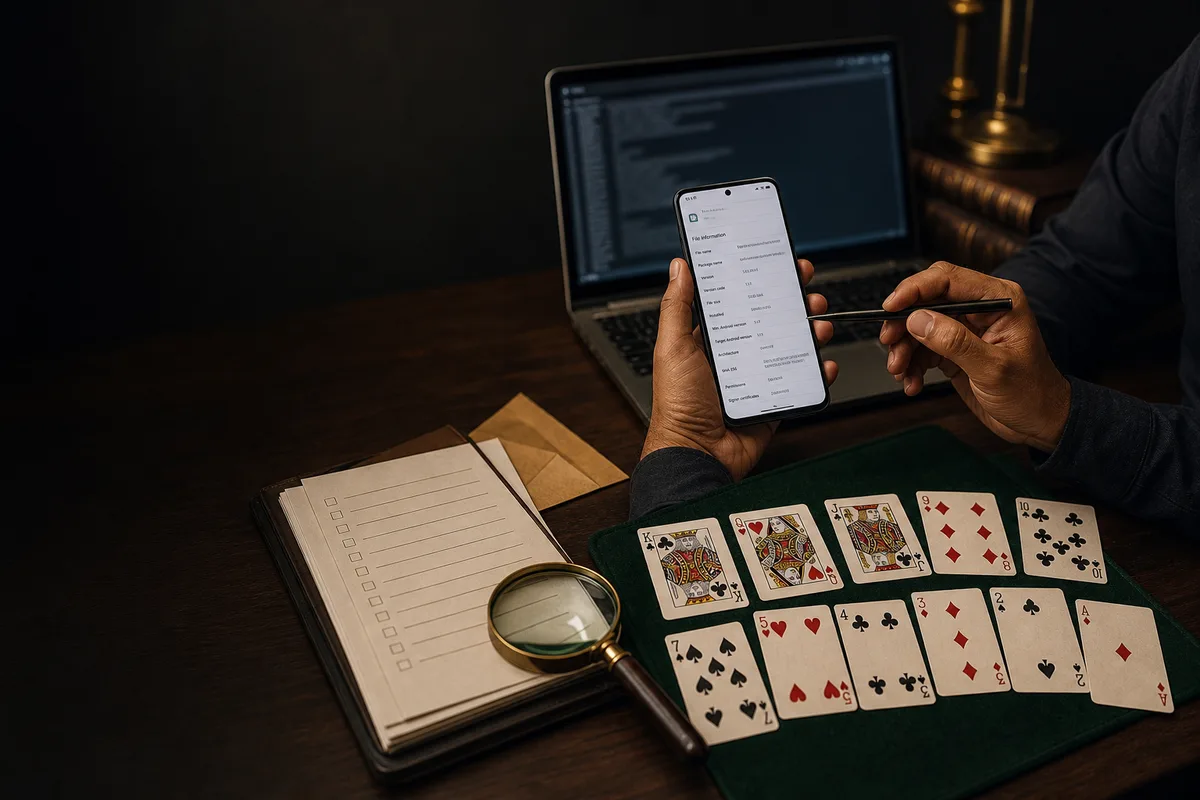
YonoAPKBonus is an independent Yono-named APK verification desk. We are not affiliated with SBI or YONO banking, do not present this site as an official bank helpdesk, and do not handle deposit, withdrawal, or cash-out requests.
Intent-led verification index
Yono APK file checks and recovery routes
Choose the check that matches your problem: suspicious or fake APK, Play Protect warning, app-not-installed error, parse error, package conflict, or SBI name confusion. A route is guidance, not proof that a file is genuine.
Yono APK file source check
Start with the actual file, its source and its signer—not the filename.
- Package
- Read from the downloaded file
- Signer
- Compare before every update
- Source
- Prefer a publisher-owned, HTTPS page
- Evidence
- Filename alone proves nothing
Android install route
Manual install steps without hiding unknown-source risk.
- Flow
- Download, allow once, install, revoke access
- Device
- Samsung, Redmi, Realme, Vivo and low-RAM checks
- Safety
- Play Protect and permissions reviewed first
- Boundary
- No bank login, UPI, or account-transfer surface
Latest version 2026
Version desk for current build, update history and old-version risk.
- Current
- Confirm on the file and publisher page
- File
- the exact filename shown by the APK you verify
- Route
- Update, rollback and mismatch pages linked
- CTA
- Download only after source and checksum checks
Package ID and version code
Entity card for readers checking forwarded APK files.
- Package
- Do not infer from a Yono filename
- Version code
- Read locally from APK metadata
- Mismatch
- Stop if package or signer differs
- Use
- Compare before install or update
Checksum and signature
Hash lane for APK source checks and mirror mismatch recovery.
- Method
- Compare SHA-256 before sideloading
- Signer
- Use signature page when package matches
- Failure
- Do not install a changed or unknown build
- Layout
- Long hash wraps on mobile
Safe download checklist
Reader-facing safety board for India Android installs.
- Before
- Source, package, version, file size and hash
- During
- Allow installs only for the installing app
- After
- Revoke permission and keep device security on
- Scope
- Adult free-social APK guidance only
File size and requirements
Requirements card for storage, Android version and performance checks.
- Storage
- Keep install file plus free working space
- OS
- unverified Android minimum guidance with OEM notes
- Low end
- an unverified RAM requirement and Android Go support linked
- Network
- 4G/5G, 2G/3G and Wi-Fi guidance available
No cash-out and SBI boundary
Disambiguation lane for readers who confuse Yono Rummy with YONO SBI.
- Not SBI
- Independent game APK information only
- No bank UI
- No account, transfer, UPI or official bank help
- No cash-out
- No deposit, withdrawal or guaranteed earnings claim
- Support
- Use support desk for APK troubleshooting
Extractable comparison
Compact Yono route table
These visible facts are the same facts that may appear in structured data. If a fact cannot be shown to readers, it should not be hidden in JSON-LD.
| Route | Primary check | Visible evidence | Reader action |
|---|---|---|---|
| Download audit | Source and APK endpoint | File name, package, version, Android fit | Download only after matching package and checksum |
| Checksum verify | SHA-256 and signer | Hash block, pass/fail notes, recovery lane | Stop if mirror hash differs |
| Compatibility | Android and OEM fit | Device matrix, Android 17 notes, warnings | Use install route if device class matches |
| No cash-out | SBI and withdrawal boundary | Independent-game statement and risk chips | Do not use this as bank support |
Pre-install evidence worksheet
Record results from your actual file
| File name | Where to read it | Package | Version | SHA-256 | Status |
|---|---|---|---|---|---|
| Downloaded APK | Android/APK metadata inspector | Write exact package | Write version/code | Calculate locally | Unverified until compared |
| Publisher source | Publisher-owned HTTPS page | Compare exact value | Compare exact value | Compare exact value | Stop on mismatch |
| SBI YONO check | Official SBI domain | Bank publisher only | Use official store listing | Not a game-file identity check | Separate product |
Open verification guide
Package identity, checksum desk, and route tiles for every audit lane.
Download audit
Source route map, mirror comparison, and sideload checklist.
Checksum verify
Hash blocks, signature pass/fail, and recovery steps.
Version desk
2026 release timeline, changelog bullets, and compat badges.
Install route
Unknown sources, file manager path, and first-open checks.
Support desk
Ticket form with YONO SBI disclaimer and FAQ quick links.
Verification desk FAQ
Is YonoAPKBonus connected to SBI or YONO banking?
Generally no. This desk documents an independent Yono Rummy APK audit path only. We are not set up to provide banking login help, UPI support, or cash-out services here.
Which APK file does the download button serve?
The configured CTA currently names the exact filename shown by the APK you verify. That filename does not prove it is Yono Rummy or SBI YONO. Inspect package, signer and permissions before install.
What should I verify before sideloading?
Read package name, version code, permissions, signer and SHA-256 from the file, then compare them with a publisher-owned source. If any field conflicts, stop and use the safe checklist.