Security tutorial for independent Yono Rummy APK files—SBI/YONO banking verification is generally out of scope here.
Checksum desk
How to verify Yono Rummy APK checksum and signature
Before you install, calculate the SHA-256 hash of the actual downloaded APK and record it with the file URL and date. Inspect the APK signer as a separate check. This page does not publish a reference hash or expected signer without a reproducible source record.
SHA-256 worksheet
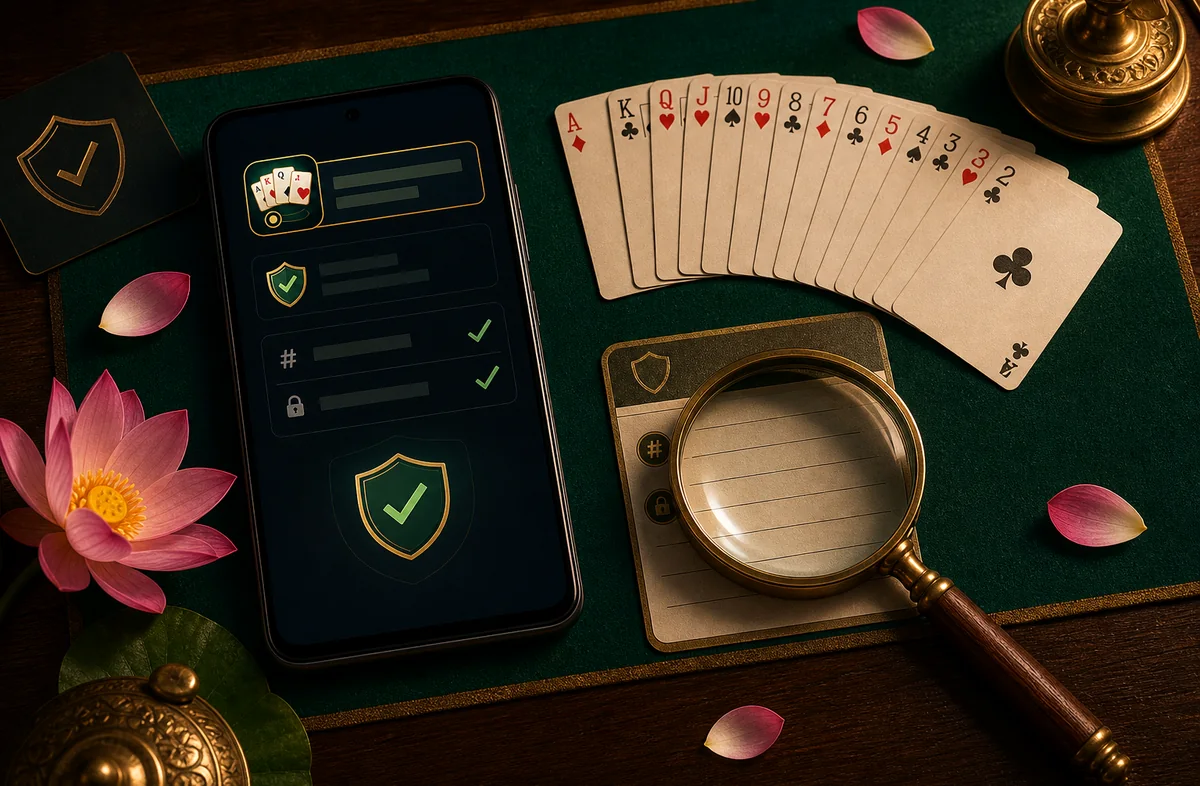
Read package, version, build, and signer from the actual file. Record its source URL, download time, byte size, and locally calculated SHA-256 value before installation.
File: [actual downloaded APK]
Source URL: [record the exact URL]
Downloaded at: [record date and time]
File size: [record bytes]
SHA-256: [paste the 64-character value calculated on your device]
On Windows PowerShell: Get-FileHash .\the exact filename shown by the APK you verify -Algorithm SHA256
On Android Termux: sha256sum the exact filename shown by the APK you verify
Signature pass / fail
| Check | Pass signal | Fail signal |
|---|---|---|
| APK v2 signature | Check publisher | Unknown signer or MOD warning |
| Package name inside APK | Record the value shown by the actual APK | Mismatch after install → stop |
| Play Protect scan | No tamper alert | Harmful app flag → do not install |
Verification steps
- Download once from /yono-rummy-apk/ and avoid re-sharing the file.
- Hash the APK before opening the installer.
- Record the hash with the exact source URL, file size, and download time.
- Inspect signature with APK analyzer or
apksigner verify --verbose. - Install only on pass; otherwise use the safe checklist recovery lane.
Checksum FAQ
What if my hash differs by one character?
Treat as fail. The file was altered, truncated, or came from a different build. Re-download from the desk endpoint.
Does checksum verify bank safety?
Generally no. This checks APK file integrity only. YonoAPKBonus is not presented as SBI and does not validate banking credentials here.